
Specification & Features

Hardware Specification

32‑bit secure smart chipset (CC EAL4+) with 8KB / 32KB secure storage

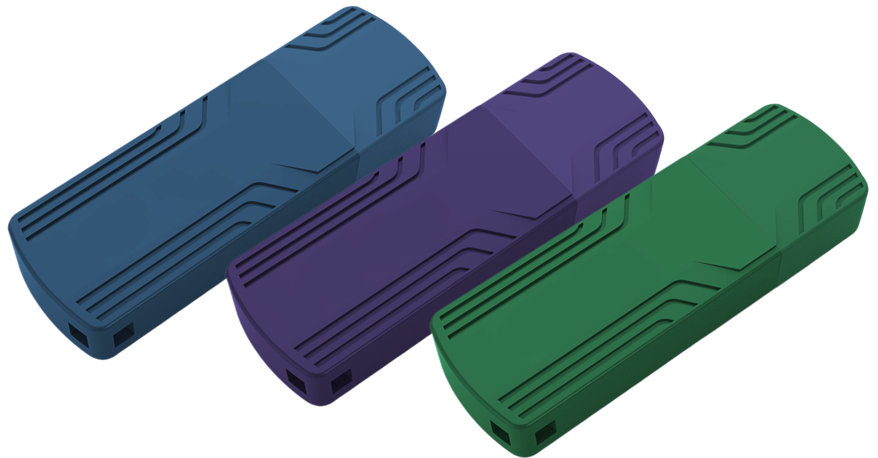
Developers can store critical data inside the Moway USB dongle, including: PID, random strings, license files, encrypted data, cryptographic keys, counters, and other sensitive information.

Applicable System Environment

Supported Programming Languages

C/C++, C#, Delphi, Java, Unity (U3D/U4E), Python, PHP, and more.

Supported Cryptographic Algorithms

Asymmetric Algorithms

RSA, ECC

— supports key storage, digital signatures, and secure authentication.

Symmetric Algorithms

AES, DES, 3DES

— for fast, secure data encryption and decryption.

HMAC Algorithms

HMAC‑SHA1, HMAC‑SHA256, HMAC‑MD5

— for identity authentication and challenge‑response mechanisms.

SDK, Toolchain & API Overview

Developers can use the Moway SDK toolchain or directly integrate the Moway API to design customized protection and licensing schemes.

Moway Toolchain

DevTestTool

Initialize Moway devices, generate PID, and manage files (create, import, delete, edit) stored inside the dongle.

PID is generated from developer-defined seeds and stored inside the dongle. It allows developers to identify products easily without building a full licensing system.

CryptoTool

Generate cryptographic keys, test supported algorithms, and create key files stored inside the Moway device.

BatchTool

Perform batch initialization for large-scale production using predefined templates (PID, license files, data files).

Make Package Tool

Create license update packages on the developer side and distribute them to end users.

UpdateTool

End users import license update packages into the Moway dongle using this tool.

Virbox Protector

Virbox Protector, latest appshielding tool, defends applications against static and dynamic attacks such as decompilation, debugging, reverse engineering, tampering, and runtime tracing. It provides multi-layer encryption, obfuscation, and virtualization to protect software without requiring developers to write protection code manually.

API, Samples & Integration

The Moway SDK includes two sets of APIs, sample projects, and libraries to help developers integrate licensing and protection logic into their applications.

Moway API & Library

Developers can perform operations such as:

  • Enumerate Moway USB devices
  • Open/close device
  • Retrieve device information
  • Verify/modify USER PIN
  • Read/write/delete files
  • Encrypt/decrypt using stored key files

Refer to the Moway API Reference Manual and Moway User Manual for detailed usage.

Crypto API & Library

Moway supports multiple symmetric and asymmetric algorithms and stores keys securely inside the device.

Supported operations include:

  • Digital signature generation and verification (ECC192, ECC256, RSA1024, RSA2048)
  • Encryption and decryption (ECC192, ECC256, RSA1024, RSA2048)
  • HMAC and hash calculation (SHA-1, SHA-256, MD5)

Developers may also use CryptoTool.exe to quickly generate symmetric and asymmetric key files.

Explore Moway

Product Details

Specifications, features, SDK, APIs, toolchain, encryption capabilities.

Learn More

Solutions

Typical protection scenarios and licensing models using Moway.

Learn More

Trial & Buy

  • Codeless evaluation using PID + Protector
  • API integration samples (4 sample projects)
  • Moway pricing table
Learn More

Best Practice

Essential knowledge for software protection & licensing:

  • Common attack methods
  • Protection strategies
  • How to design custom licensing schemes
Learn More