Get Trial SDK

  • Familiarize with Moway Toolchain, API, and samples.
  • Instantly complete a protection scheme with hardware based secure license container.
  • Learn how to integrate Moway API with your application to build customized protection & licensing scheme.
Click to get Virbox Moway SDK
Get SDK

Evaluation process

Purchase Moway Hardware Device Required

Quick evaluation process

Instantly build up your license scheme with Moway USB dongle

  1. Use DevTestTools to initialize Moway device and set PID.
  2. Open Virbox Protector, input PID to protect your application.
  3. Execute the protected application with the Moway dongle in same PID.

Please download the Evaluation Process (PDF) for quick evaluation.

Note

Virbox Protector (basic edition in SDK) supports developers in protecting applications. For advanced protection features to defend dynamic analysis and runtime attacks, consider Virbox Protector Pro edition.

Need hardware purchase support or want to proceed from evaluation to order? Contact sales directly.
Buy

Price & Purchase

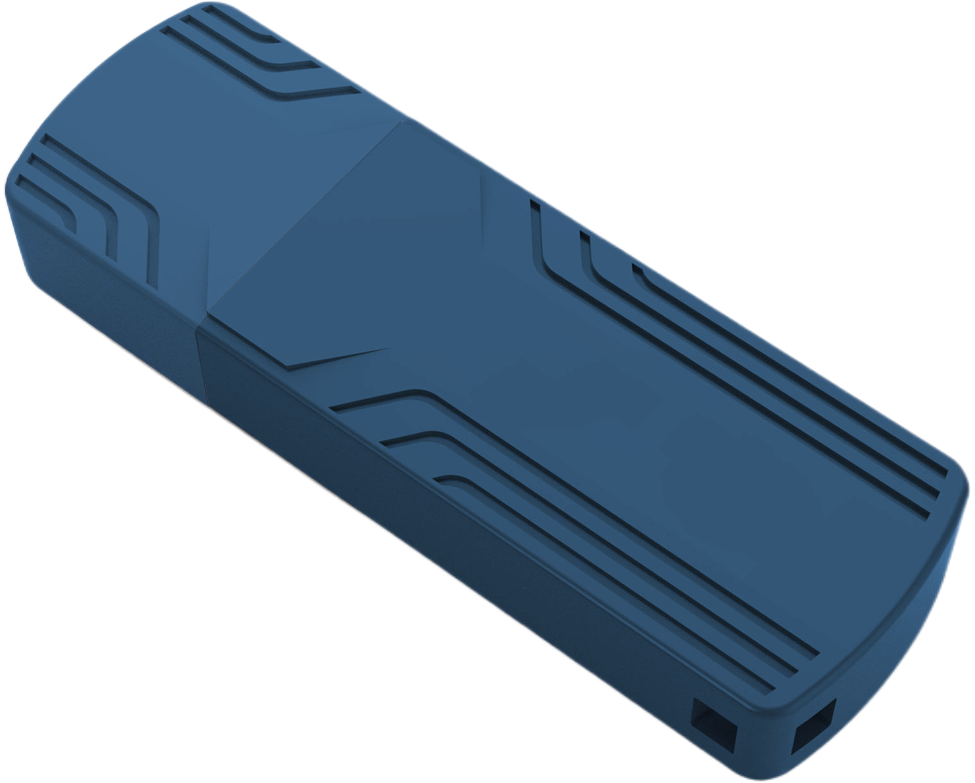
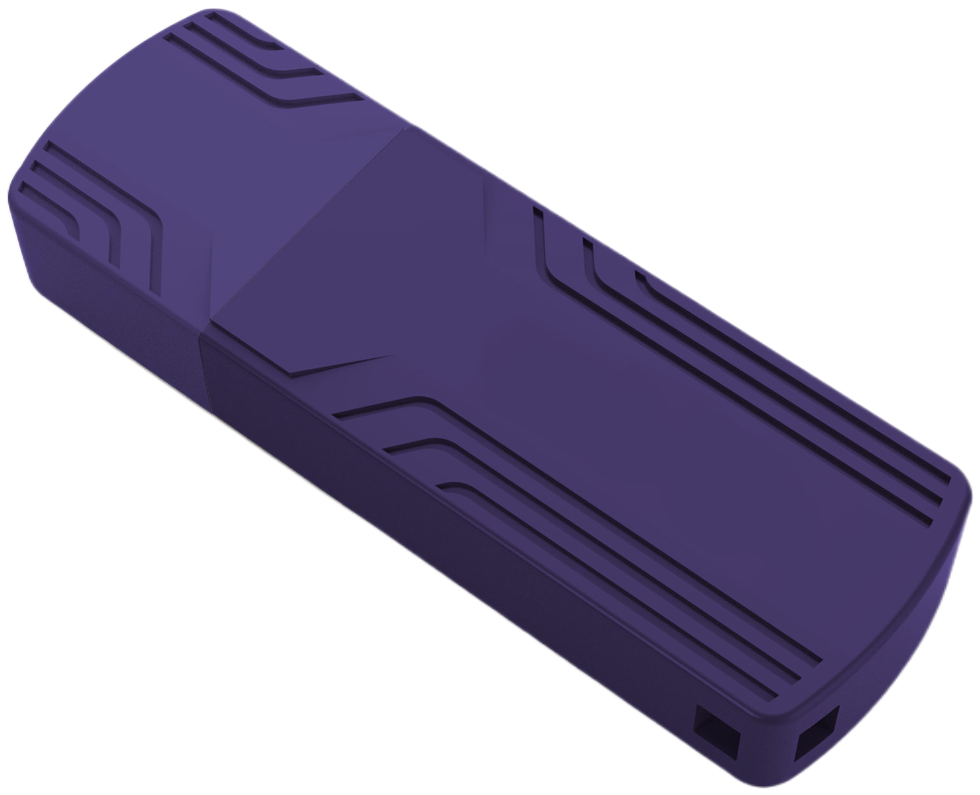
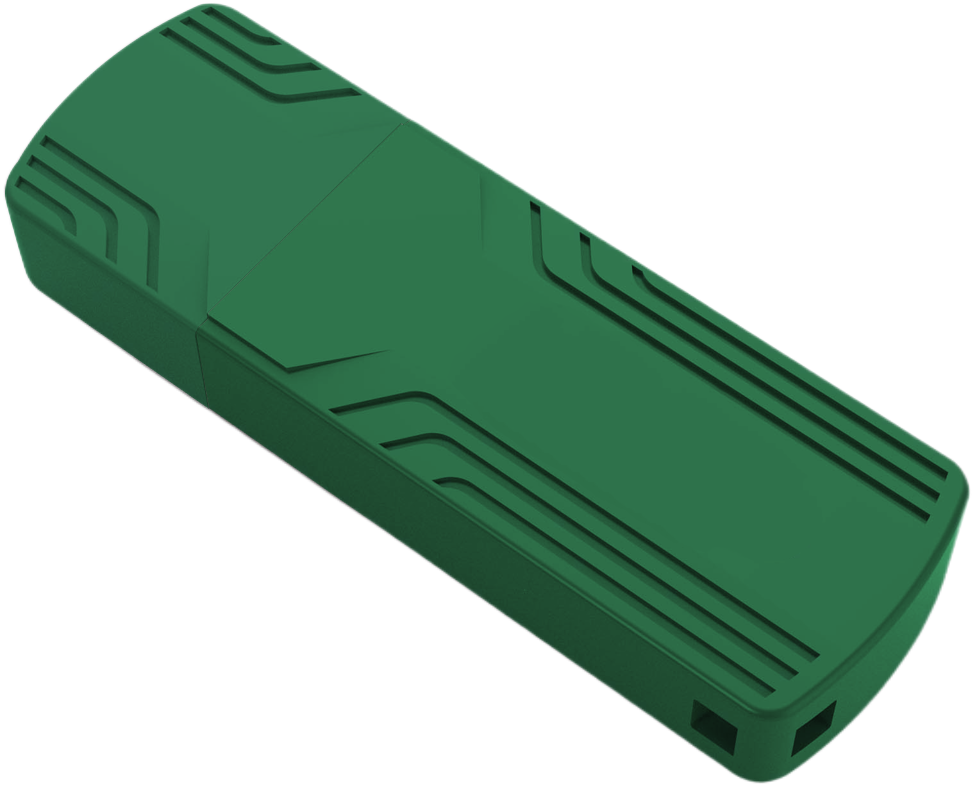
Product Image
Blue
Green
Purple
Volume Moway_8K Moway_32K Moway_8K RTC Moway_32K RTC
10<Q<49 US$14.5 US$15.7 US$19.5 US$20.7
50<Q<99 US$12.9 US$14.1 US$17.9 US$19.1
100<Q<299 US$11.6 US$12.8 US$16.6 US$17.8
300<Q<499 US$10.6 US$11.8 US$15.6 US$16.8
500<Q<999 US$9.5 US$10.7 US$14.5 US$15.7
Evaluation kit(8k) US$20.0 1 Master 1 User dongle and SDK US$25.0 1 Master 1 User dongle and SDK
For quotation, bulk purchase, or model selection, contact our sales team directly.
Buy

Practice & Customize

To help developers understand Moway API and Crypto API, Moway SDK provides 4 sample projects showing how to integrate Moway API with project code.

Get Moway device information
Developer set the Moway device
User use the Moway device
Developer create update package file

Get Moway device information- no previledge(permission) required:

The process:
1 Enumerate the Moway device;
2 Open the Moway device;
3 Get all of device information (structure);
4 Get the specified information (item);
5 Close the device.

Developer set the Moway device

The Process:
1 Enumerate the Moway device;
2 Open the Moway device;
3. Verify the Developer PIN;
4 Set the PID (Product ID)
5 Modify the Developer PIN;
6 Create the File (Binary file, read & write file, Key file-AES128, and Key file-HMAC)
7 With developer permission to write file
8 Close the Moway device

User use the Moway device

The process:
1 Enumerate the Moway device
2 Open the Moway device;
3 Verify User PIN
4 Modify the User PIN;
5 Read the file with read only attribute
6 Modify the data file with read & write attribute
7 Use the key file to encrypt/decrypt (AES128)
8 Use the key file HMAC to calculate the HASH value
9 Close The Moway device

Developer create update package file

The process includes 2 parts:
1. Developer premise: Generate a the update file package by developer
2. User premise: Import this update file package into the Moway device by user

The process in developer premise:
developer create a update file package
1 Enumerate the Moway device
2 Open the device
3 Verify the Developer PIN
4 Create the update file package(To update the binary data file)
5 Close the device

The process in user premise:
User import the update file package to the Moway device
1 Enumerate the device
2 Open the device
3 Verify User PIN
4 Import the update file package
5 Verify the content of update file package (Read & verify the data are consistent with the data updated)
6 Close the device.

Refer to sample code in the Moway SDK for details.

Any question to design and plan your dedicated protection scheme? Contact our team for direct guidance.

FAQ

Q1: What is the minimum order quantity for purchase?

10 units for commercial orders.

Q2: Does Moway support time‑based licensing?

Yes, Developer can select Moway RTC model, RTC hardware clock ensures accurate enforcement.

Q3: What storage capacity does the dongle provide?

8KB or 32KB secure storage depending on model.

Explore Moway

Product Details

Specifications, features, SDK, APIs, toolchain, encryption capabilities.

Learn More

Solutions

Typical protection scenarios and licensing models using Moway.

Learn More

Trial & Buy

  • Codeless evaluation using PID + Protector
  • API integration samples (4 sample projects)
  • Moway pricing table
Learn More

Best Practice

Essential knowledge for software protection & licensing:

  • Common attack methods
  • Protection strategies
  • How to design custom licensing schemes
Learn More